Voice input
Speak and the expense becomes an entry. The app picks out the amount and category, and you can name several expenses at once. It understands Uzbek speech for now.
«kofe 25 ming»

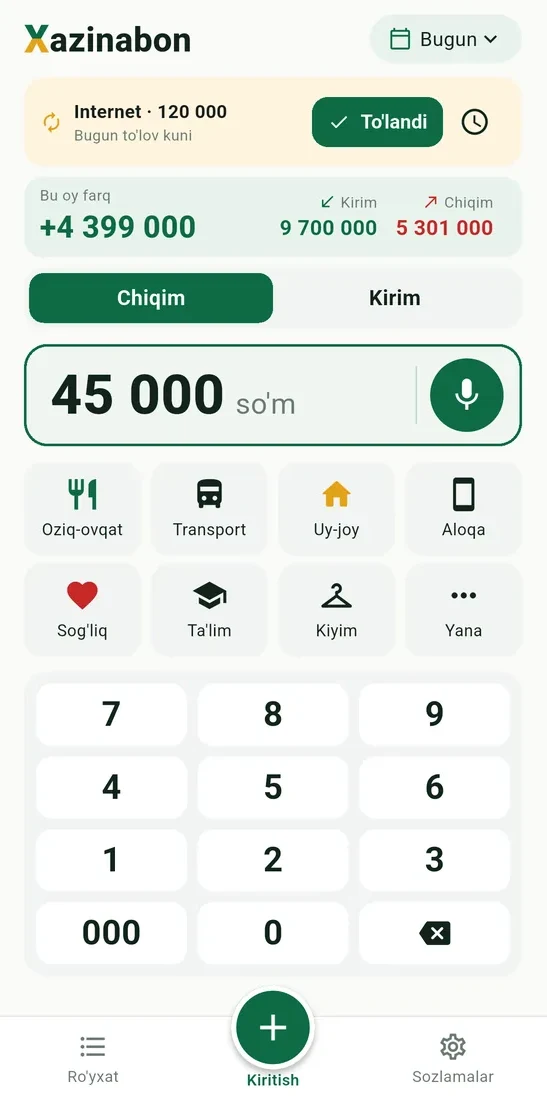
Open it, type the amount, tap a category — saved. Voice works too.
Record everyday spending in a few seconds.
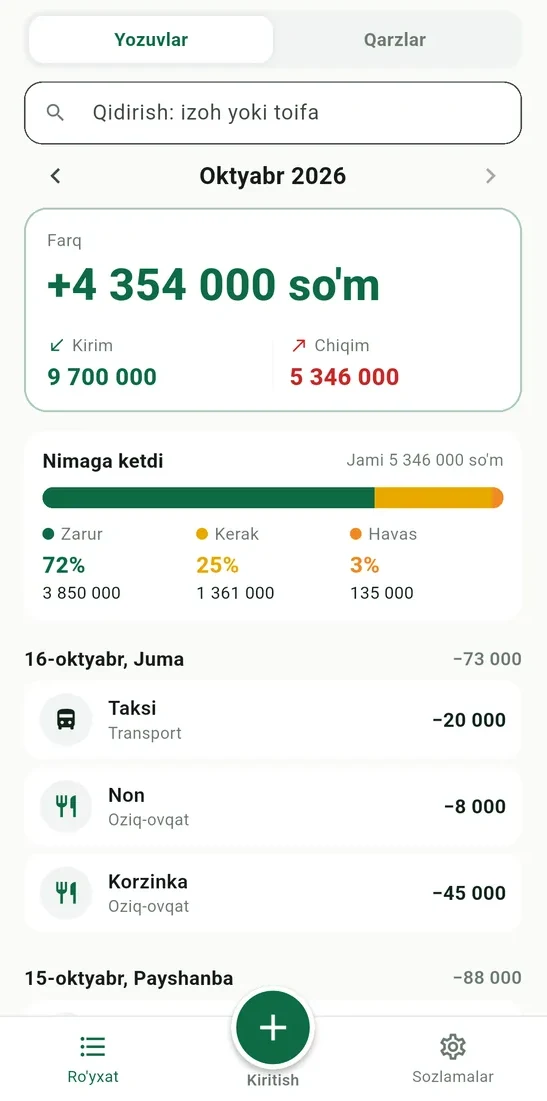
Income, spending and the difference at a glance.
Remember who you borrowed from and who owes you.
The app opens straight to the entry screen. The phone plays the flow by itself — or tap the buttons yourself. The app interface is in Uzbek for now.
 Bugun ⌄
Voice input, debts, recurring payments and your whole history — in one tidy app.
Speak and the expense becomes an entry. The app picks out the amount and category, and you can name several expenses at once. It understands Uzbek speech for now.
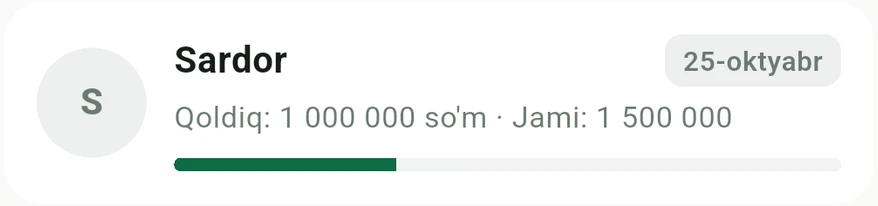
Who did you borrow from, who did you lend to? Partial payments, and the balance is calculated for you.
Internet, rent and subscriptions show up on their due date — mark them paid in one tap.
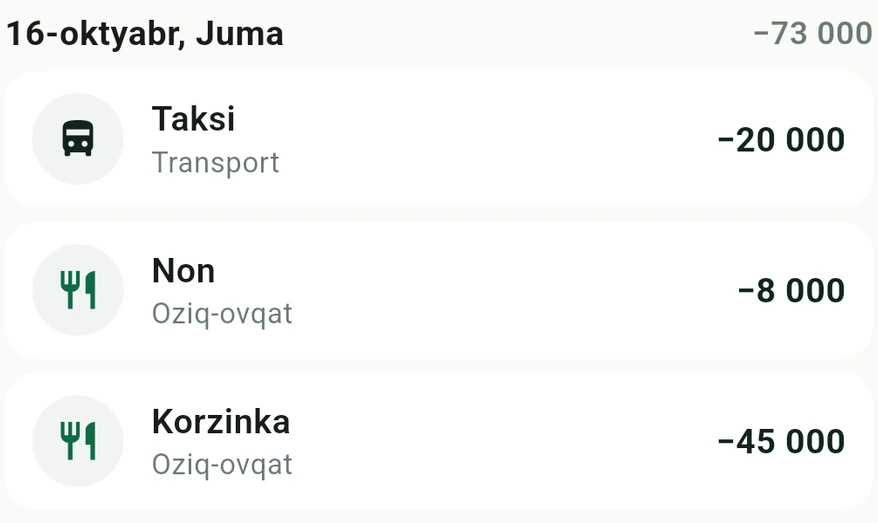
Every expense day by day, in one place. Search by note or category across all months.
Pick a month. These numbers are a sample — the app shows your own.
No lectures: if you go negative, the number simply turns red — the conclusions are yours.
Connect Claude, ChatGPT, Gemini or another AI to Xazinabon. It sees your entries, analyses the month, sums things up and gives advice — and adds new entries when you ask.
https://xazinabon.fastai.uz/mcpOn a computer (Claude Desktop, Claude Code, Codex, Gemini CLI, Cursor) — no browser: create a personal key in the app and connect through a local MCP.
An account is required — the AI reads entries from the sync server. In ChatGPT, connectors need a paid plan.
Repeated wrong attempts make you wait longer each time.
Android does the check; the app never sees your fingerprint.
If you want, sync via Google or Telegram.
The app is being prepared for Google Play — the link will appear here. The interface is in Uzbek for now.